


Boost Your Device Performance: Essential Tech Cleaning Tips for Optimal Longevity and Speed
POLICY WIRE — Albuquerque, United States — As the season shifts towards revitalization, many households focus on traditional spring cleaning, yet often overlook the vital maintenance of their digital...

POLICY WIRE — Albuquerque, United States — As the season shifts towards revitalization, many households focus on traditional spring cleaning, yet often overlook the vital maintenance of their digital devices.
Just as physical spaces benefit from tidiness, your computers and smartphones demand similar attention to maintain peak functionality. Neglecting these essential cleaning tasks can lead to sluggish performance and reduced lifespan for your valuable electronics.
Physical Maintenance: Beyond the Surface
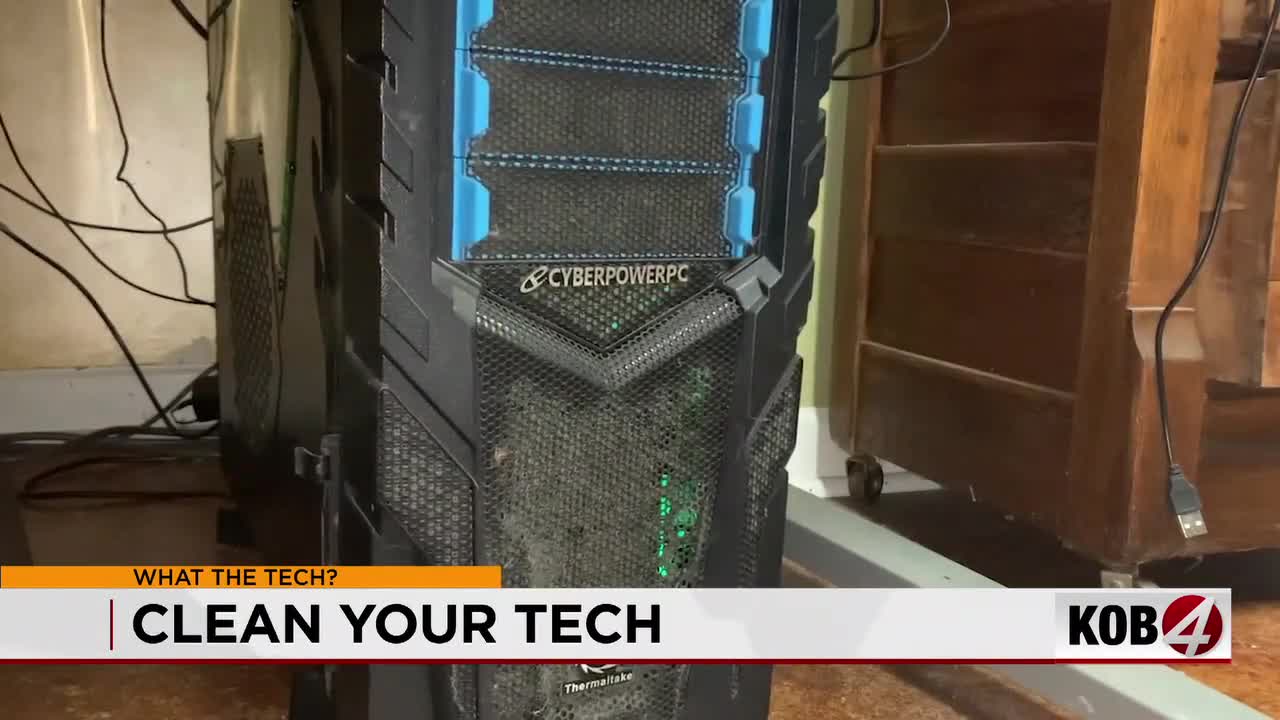
Merely wiping down the exterior of your computer is insufficient; internal dust accumulation is a primary culprit behind overheating and system slowdowns. This hidden grime forces cooling fans to work harder, often resulting in increased noise and potential hardware damage.
To address this, power down and unplug your device entirely. Carefully remove the casing and, using compressed air, gently dislodge dust from vents and internal components. Exercise caution to avoid damaging sensitive circuitry during this process.
Keyboards are notorious collectors of debris. Invert your keyboard and give it a firm shake to dislodge larger particles, then use a can of compressed air to clear away stubborn crumbs and dust trapped between keys. Specialized cleaning gels can further extract embedded dirt for a thorough cleanse.
For screens, always opt for a soft microfiber cloth. If a deeper clean is needed, lightly dampen the cloth with a solution of isopropyl alcohol and water, or use a commercially available screen cleaner specifically designed for electronics. Avoid harsh chemicals that could damage displays.
Digital Decluttering for Enhanced Speed
Many users overlook the digital aspect of maintenance. A cluttered desktop, often resembling a “mosh pit” of application icons, can negatively impact system performance and user experience. Organizing these shortcuts into logically named folders can significantly improve visual order and accessibility.
Beyond visual tidiness, routinely review your installed applications. Simply dragging an icon to the recycle bin does not fully remove a program; instead, utilize your operating system’s dedicated uninstall feature to ensure complete deletion of unused software and associated files.
Read More: Wildfire Settlement Payouts: Survivors Face Potential Tax Hit Threatening Rebuilding Efforts
Within your system settings, pay close attention to programs configured to launch automatically upon startup. Identify applications labeled as “high impact,” as these significantly contribute to slower boot times. Disabling unnecessary startup items can dramatically quicken your computer’s readiness for use.
Implementing these comprehensive physical and digital cleaning routines, especially if it’s been a while since your last maintenance, will yield immediate and noticeable improvements in your device’s speed and overall responsiveness. This proactive approach not only enhances performance but also significantly extends the operational lifespan of your technology investments.